
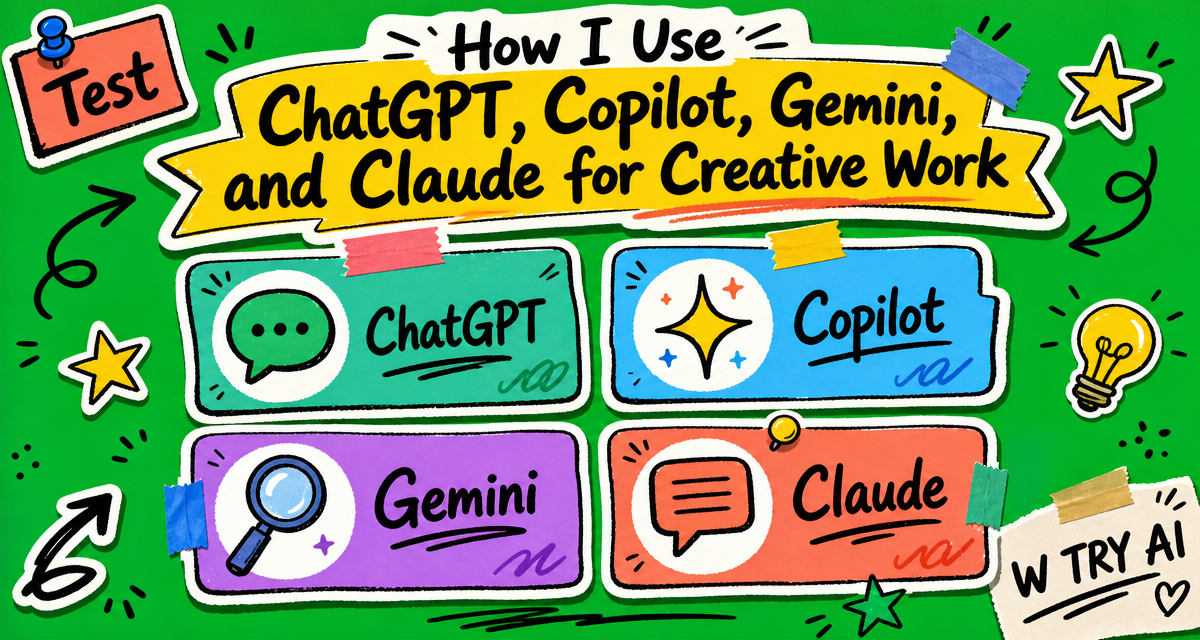
When I first started using AI for creative work, I thought the question was: which AI tool is the best? But while building W TRY AI, I realized that different AI tools are useful for different parts of the branding process.
In this post, I am focusing on AI chat assistants, not visual design tools like Midjourney, Lovart, or Canva AI. ChatGPT, Copilot, Gemini, and Claude are more useful for thinking, writing, organizing ideas, researching, and shaping brand direction.
Instead of choosing one “best” tool, I started asking a more useful branding question:
Which AI chat assistant should I use for each part of the branding process?
ChatGPT: Best for Structure and Clear Content
ChatGPT is still the AI tool I use the most. For me, ChatGPT is strongest when I need structure. If my idea feels messy, I usually go to ChatGPT first. It helps me turn unclear thoughts into outlines, sections, titles, explanations, and step-by-step content.
I usually use ChatGPT for:
- Blog outlines
- Content structure
- Explaining ideas
- Organizing brand thoughts
In branding work, this is useful because my ideas are not always complete at the beginning. Sometimes I have many thoughts, but they feel scattered and hard to connect. Sometimes I only have one small inspiration, but I do not know what to do next. ChatGPT helps me take what I already have, organize it, and turn it into a clearer direction.
For example, when I am writing a blog post, I often have many small thoughts, but I do not always know how to organize them. ChatGPT helps me map out the structure and it can turn a rough idea into something more complete and easier to follow.
Copilot: Best for Visual Language and Creative Direction
I do not always use it for long writing, but I really like it when I need creative direction. Compared with ChatGPT, Copilot often gives me ideas with more imagery, mood, and feeling.
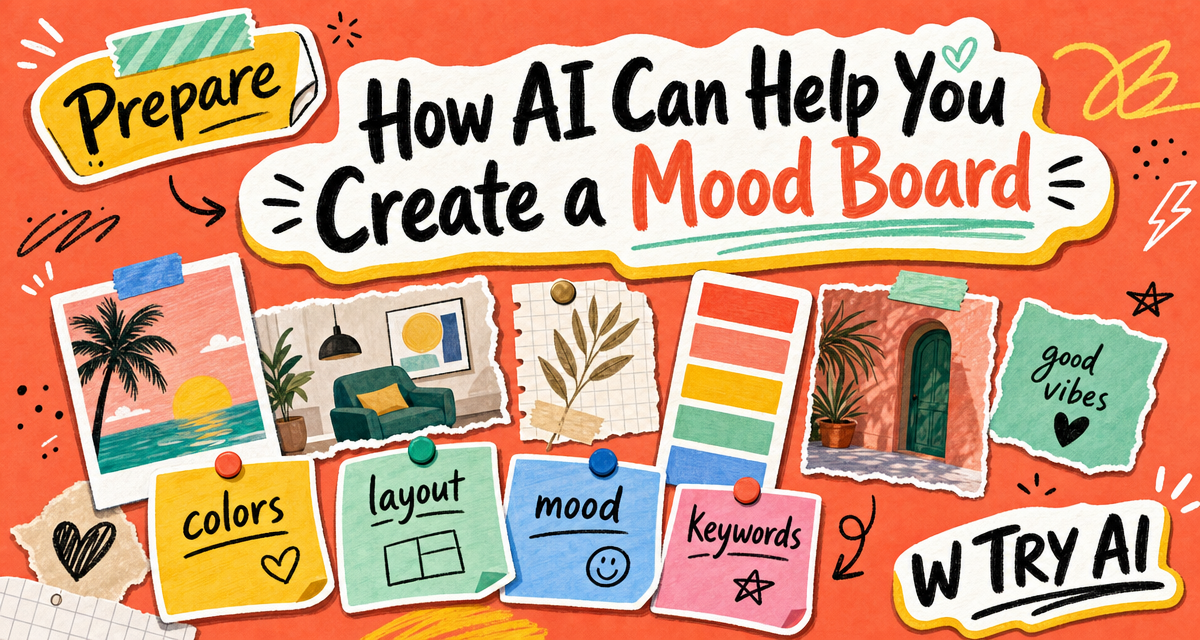
When I was working on W TRY AI, I noticed that Copilot was helpful for naming, tagline ideas, logo direction, brand mood, and visual descriptions. It helped me describe things that were hard to explain in words.
For branding work, this is helpful because I do not always know how to describe a visual idea clearly. Sometimes I only have a rough feeling in my mind, like soft, playful, clean, or mysterious. Copilot helps me turn those vague visual feelings into clearer words, mood ideas, and creative directions.
I usually use Copilot for:
- Naming ideas
- Tagline options
- Visual direction
- Creative concepts
- Describing style and atmosphere
For example, if I only know that I want a brand to feel “soft, quiet, and modern,” Copilot can help turn that feeling into more specific language. It may suggest colors, textures, visual references, or emotional keywords.
That‘s why I see Copilot more like a creative partner. It does not always give me the final answer, but it often gives me a spark.
Gemini: Best for Research and Context
Gemini is the tool I use less often, but I still think it has a clear role.
For me, Gemini feels more useful when I need research, background information, examples, or a broader context. It is not usually my first choice for creative writing, but I like using it when I want to check information or understand a topic before making a decision.
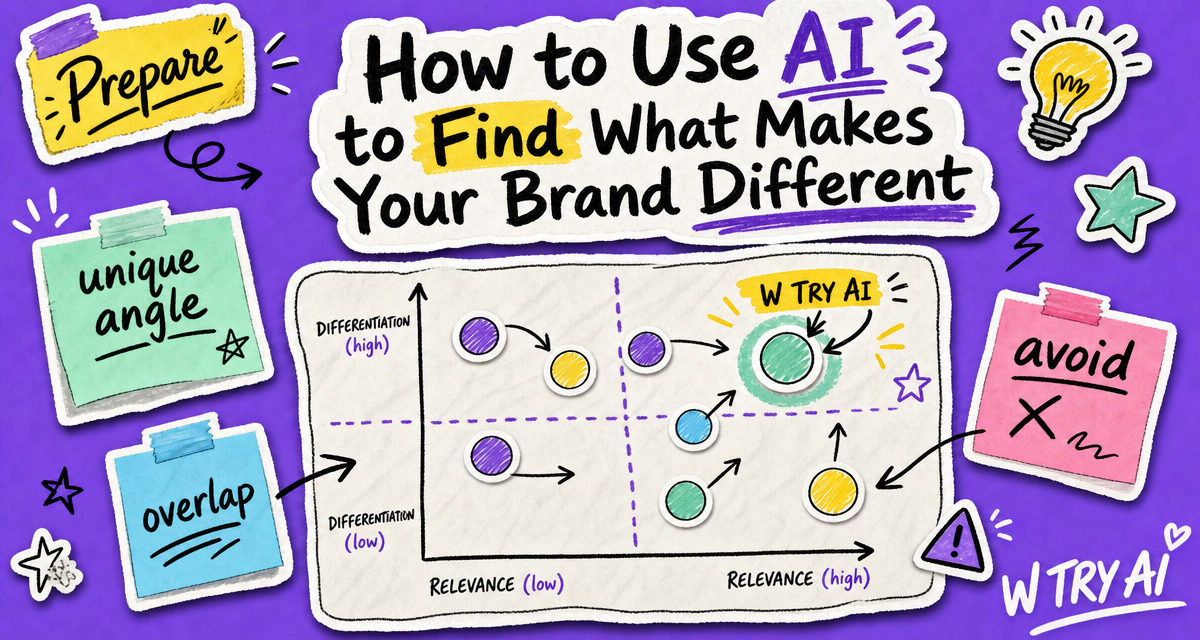
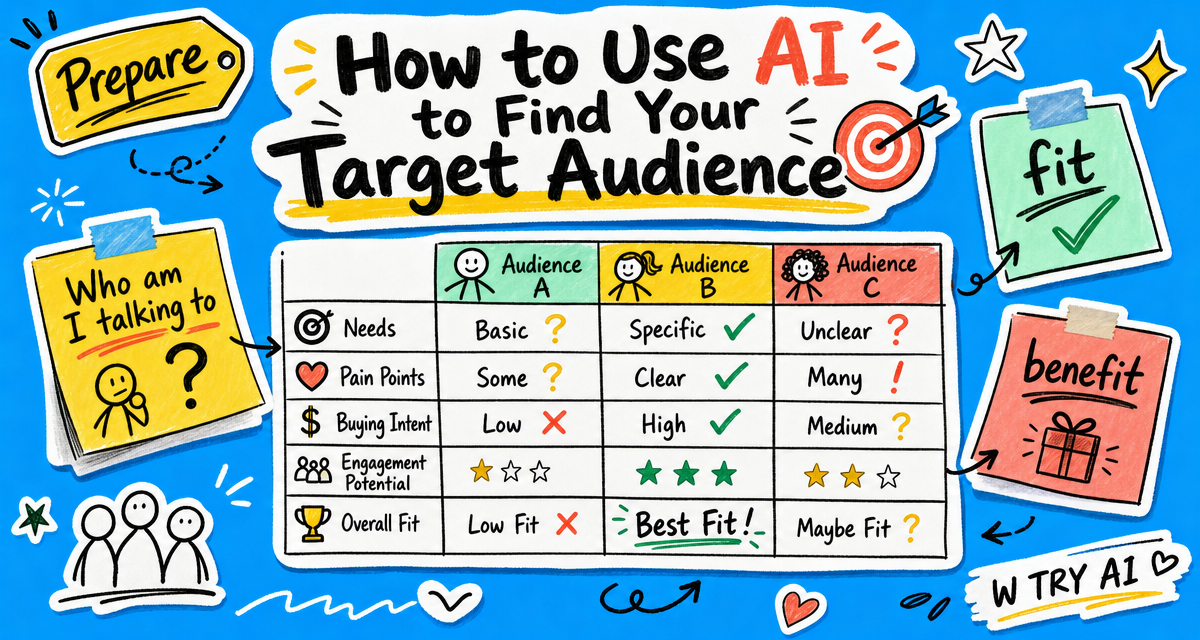
In branding work, research matters because a brand idea should not only come from personal taste. It also needs some understanding of the audience, market, examples, and context.
I usually use Gemini for:
- Research
- Background information
- Market context
- Finding useful references
For W TRY AI, Gemini is more like an information assistant. It helps me feel more prepared before I move into creative development.
Claude: Best for Human Tone and Thoughtful Feedback
Claude is the newest one in my workflow, so I do not want to make a very strong conclusion yet.
I have not used Claude as long as ChatGPT, Copilot, or Gemini. But so far, my early impression is that Claude feels more human and thoughtful.
Sometimes Claude gives suggestions that feel more planned and more opinionated. It does not only answer the question directly. It often explains why something may work better, what direction feels stronger, and what could be improved.
For creative branding work, this is helpful because sometimes I do not need more options. I need someone to look at what I already have and give me useful suggestions. Claude helps me see which parts feel stronger, which parts need more work, and how I could improve the direction.
I may use Claude for:
- Reviewing ideas
- Planning content direction
- Getting more thoughtful feedback
- Choosing between different creative directions
Because I have used Claude for a shorter time, this is still an early impression. But I think it may become useful when I need a more natural voice or a clearer point of view.
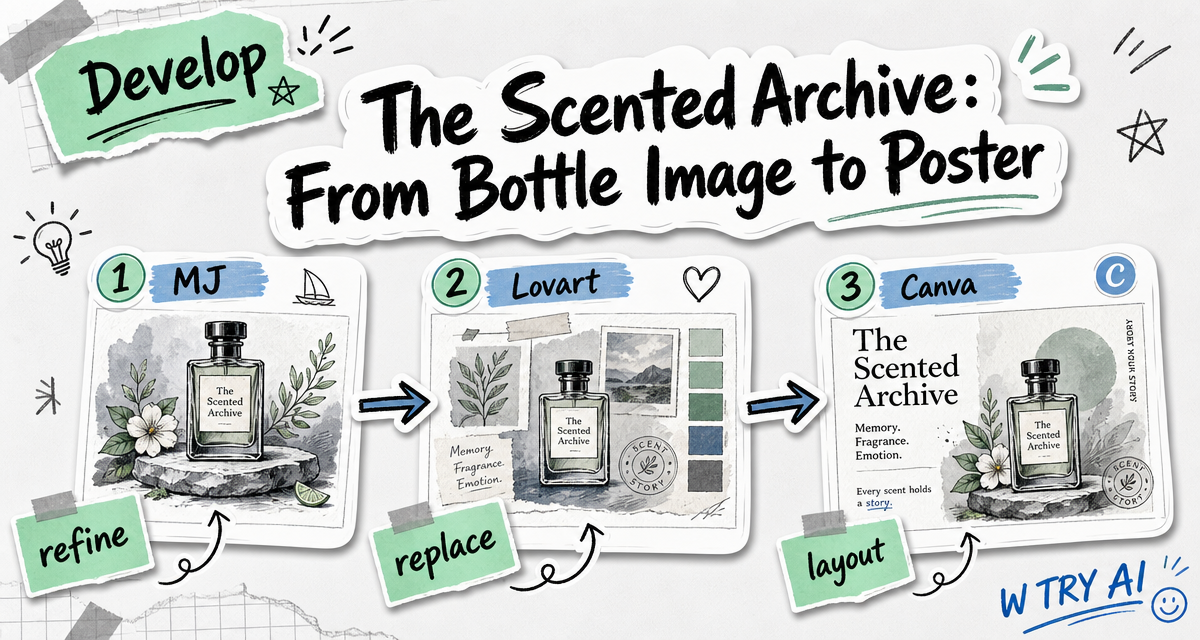
My actual workflow

My takeaway
After trying these tools, I realized that I do not need one perfect AI tool. I need different tools for different moments.
Gemini helps me understand the topic.
Copilot helps me explore visual ideas.
ChatGPT helps me organize my thoughts.
Claude helps me review what I already have and give suggestions.
So for me, AI chat assistants are not replacing my creative process. They are helping me move through it more clearly.



Comments
Pingback: W AI Drafts: A Marketing Student Exploring AI Creative Drafts