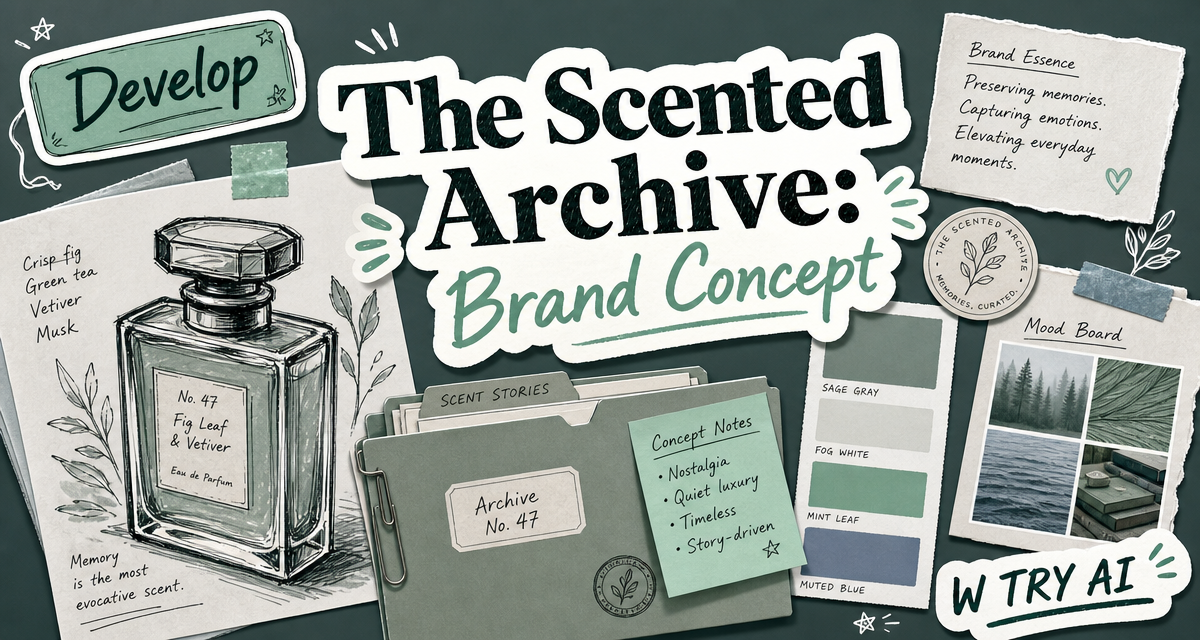
In the previous post, I used Copilot and Midjourney to build the first visual direction for The Scented Archive. Midjourney helped me create the cold green mood, the perfume bottle direction, and the overall atmosphere of the brand.
However, the image was still not ready to use as a brand asset. The label text was not accurate, the bottle still needed a cleaner product view, and the image was not yet suitable for a poster.
So in this post, I wanted to test a more specific question:
Can AI help develop an early product image further?
Instead of generating a completely new idea, I kept working with the same perfume concept.
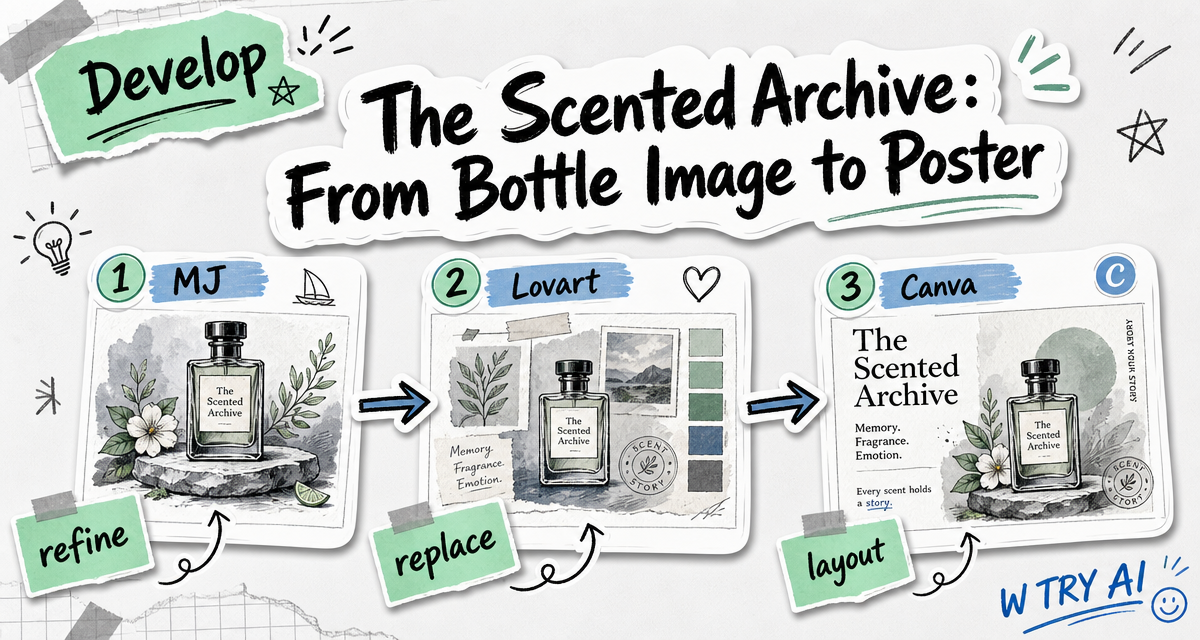
Step 3: Refining the product image in Lovart
After selecting the product image I liked most, I moved it into Lovart for refinement.
One reason for this step was simple: Midjourney is strong at generating mood and style, but not always accurate when it comes to text. So I used Lovart to adjust the wording on the bottle and make the product look more usable as a brand asset.
After the text adjustment, the bottle became much cleaner and more convincing.

Then I continued working with Lovart in a chat-based way. I asked it to replace the original bottle in the brand visual with the newly edited product image. That process felt surprisingly smooth.

After that, I asked Lovart to change the bottle from a slightly angled view into a front-facing product shot. That also worked very naturally.


This was one of the most useful parts of the workflow for me. Instead of regenerating everything from the beginning, I could keep improving the same visual direction through small, conversational edits.
Step 4: Making the poster in Canvas AI
For the last step, I wanted to create a poster-style campaign image.
First, I again used Copilot to help generate a poster prompt for Canvas AI. Canvas AI produced a few compositions that were acceptable in terms of structure, but the actual content was still off.


So instead of starting over completely, I chose the most suitable layout and edited it manually:
- inserted the front-facing bottle image
- used AI cutout to isolate the bottle
- adjusted the composition
- corrected the text
After those revisions, the poster became much closer to the brand direction I originally imagined.

What this workflow taught me
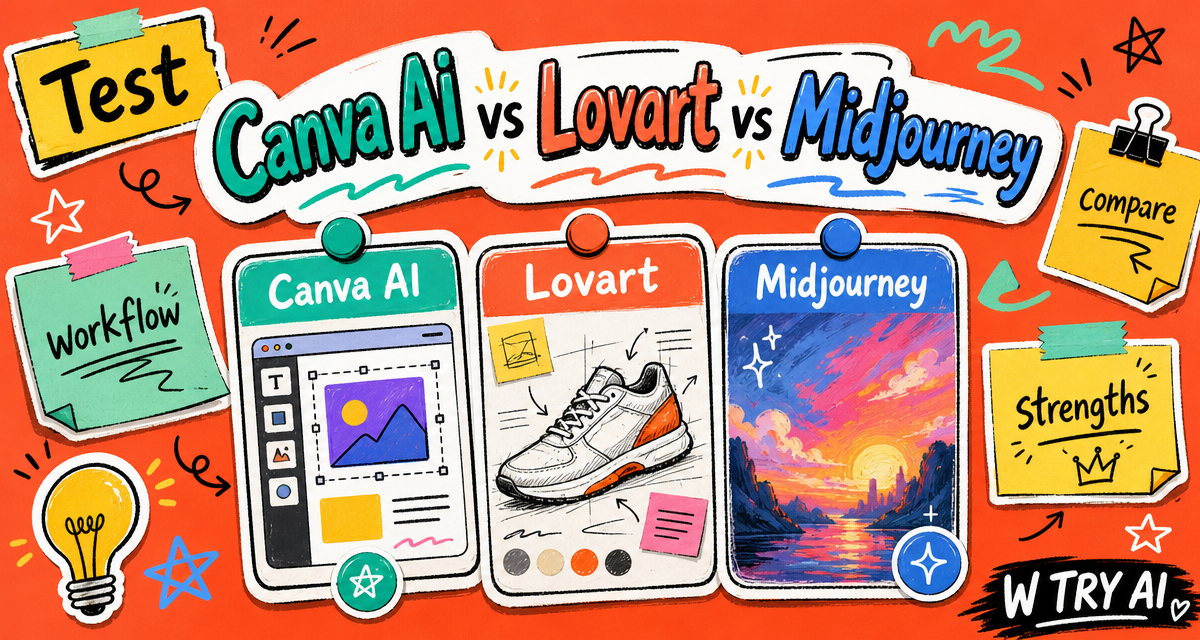
This small perfume brand exercise helped me understand the strengths of each tool more clearly.
- Copilot was useful for translating vague ideas into more structured prompts.
- Midjourney was the strongest for generating atmosphere and initial visual direction.
- Lovart was the most flexible when I needed to refine, replace, and adjust visuals through conversation.
- Canvas AI was helpful for layout and poster composition, even if the generated content still needed correction.
So for me, the workflow was not about letting one tool do everything. It was about letting different tools do different parts of the job.
That was probably the most interesting part of this experiment: the final result did not come from one perfect generation, but from moving the same idea across tools and gradually making it more precise.
My takeaway
This experiment showed me that AI can help move a brand image from an atmospheric concept to something more usable.
For The Scented Archive, Midjourney helped shape the mood, Lovart helped fix and improve the bottle image, and Canva AI helped turn the result into a poster.
For W TRY AI, this is what the Develop stage means.
A brand concept does not become complete in one generation.
It becomes clearer when I keep testing, adjusting, and building on the same idea.
Next
In the next post, I want to move beyond the bottle itself and explore the world around the perfume. Instead of focusing only on product visuals, I’ll start building a character and a scene that feel connected to the brand. I’m curious to see how an AI-generated figure, with a clear personality and mood, can help make the perfume concept feel more complete and more alive.