
When you start building a brand idea, two questions usually come first: Who is it for? What makes it different?
In this post, we will answer the next question:
What should your brand look and feel like?
At the beginning, brand style can feel vague. You may have words in mind, like energetic, friendly, creative, or modern, but those words can lead to very different visual results.
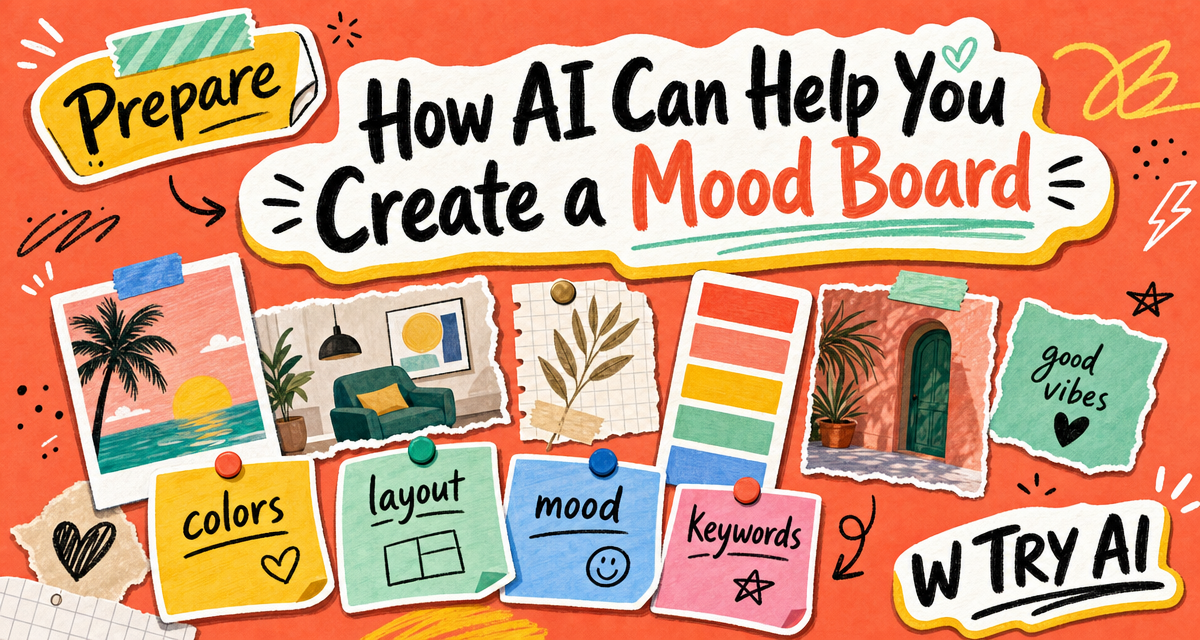
Traditionally, a mood board helps translate abstract feelings into visual references. AI can make this step faster by helping you organize keywords, explore different style directions, and compare which one fits best.
The goal is not to create a final design right away. The goal is to make your visual direction clearer before you spend more time, money, or energy on design.
Now, Let’s start with the first step!
Step 1: Understand the style you like
Before asking AI to create brand style directions, you first need to understand what kind of style you are drawn to.
If you don‘t know how to describe your style yet, you can first collect references from Pinterest, Instagram or other visual platforms. Save 5–10 images that feel close to your brand.
Then, instead of analyzing everything by yourself, you can give those references to AI and ask it to find the common patterns.
You can use a prompt like this:
I collected several visual references for my brand style.

Please help me analyze what these references have in common.

Look for patterns in:
1. colors
2. typography style
3. illustration or image style
4. layout
5. mood and atmosphere
6. words that could describe this visual style

Then summarize the style into 5–8 clear brand keywords.
This step helps you turn images you simply “like” into clearer style words.
For example, instead of only saying “I like this style,” AI might help you describe it: warm, hand-drawn, playful, collage-inspired, friendly, and energetic.
These keywords will make the next step easier because AI will have a clearer direction when helping you test possible brand styles.

For example, after I gave Copilot one visual reference, it summarized the style with words like “playful,” “vibrant,” “hand-drawn,” “relatable,” and “energetic.”
Step 2: Combine your brand information with your style keywords
After you understand the style you like, the next step is to connect that style with your actual brand. A style may look good on Pinterest, but it still needs to fit your brand idea, audience, and message.
So in this step, give AI both: your brand basics and your style keywords
You can use a prompt like this:
I am developing a brand style for my brand idea.

My brand is about:
[describe your brand idea]

My target audience is:
[describe your audience]

The brand should feel:
[list 3–5 mood words]

My style keywords are:
[list the style keywords from Step 1]

I want to avoid:
[list styles you do not want]

Please suggest 3 different brand style directions.

For each direction, include:
1. a name for the direction
2. main colors
3. graphic or illustration style
4. layout style
5. overall mood
6. why this direction might fit the brand
After this, you can use Copilot and Lovart/Midjourney to turn each style direction into a simple mood board image.
This can help you compare them more intuitively. Sometimes a style sounds good in words, but feels different once you actually see it.
At this stage, the goal is not to create a final design. It is simply to get a clearer visual sense of each direction and understand which one feels most aligned with your brand.
Step 3: Pick the style and turn it into a clear moodboard guide
First, you should choose the one style which match your brand idea, your target audience, and the feeling you want to communicate. You can also ask AI to help you compare the options and point out the strengths and weaknesses of each one. If one direction feels close but not perfect yet, you can ask AI to keep improving it in that direction, instead of starting over again.
Once you choose the direction, you need turn it into a simple moodboard guide. It doesn‘t need to be a professional design document. Think of it as a simple style note for yourself. You can also ask AI to help you finish this step. It can help you summarize what the mood board is trying to show, including the colors, fonts, image style, layout feeling, textures, and what you do not want.
A simple moodboard guide can include

Visual keywords:
Main colors:
Typography style:
Image or illustration style:
Layout feeling:
Textures:
What to avoid:
My takeaway
AI can make the moodboard process easier, but it should not replace your own judgment.
It can help you organize references, find style keywords, generate different visual directions, and turn your favorite direction into a clearer guide. But in the end, you still need to decide what feels right for your brand.
A moodboard is not the final design. It is a starting point that helps you see your brand style more clearly before spending more time, money, or energy on design.


Comments
Pingback: What Can AI Actually Do for Branding? W TRY AI Is Finding Out !